

ActiveCampaign Pricing 2026: What Each Plan Really Costs
ActiveCampaign’s published prices are billed yearly. Here is what each plan really costs by list size, how monthly billing and add-ons change the bill,…
Most clients who go quiet are busy, not saying no. Here is a follow-up sequence that gets replies without annoying anyone, messages you can copy, when to stop, and how to stop follow-ups slipping on your side.

By Abdullahi Abdirahman, Founder & Editor, SoftReviewLab. Updated November 2026.
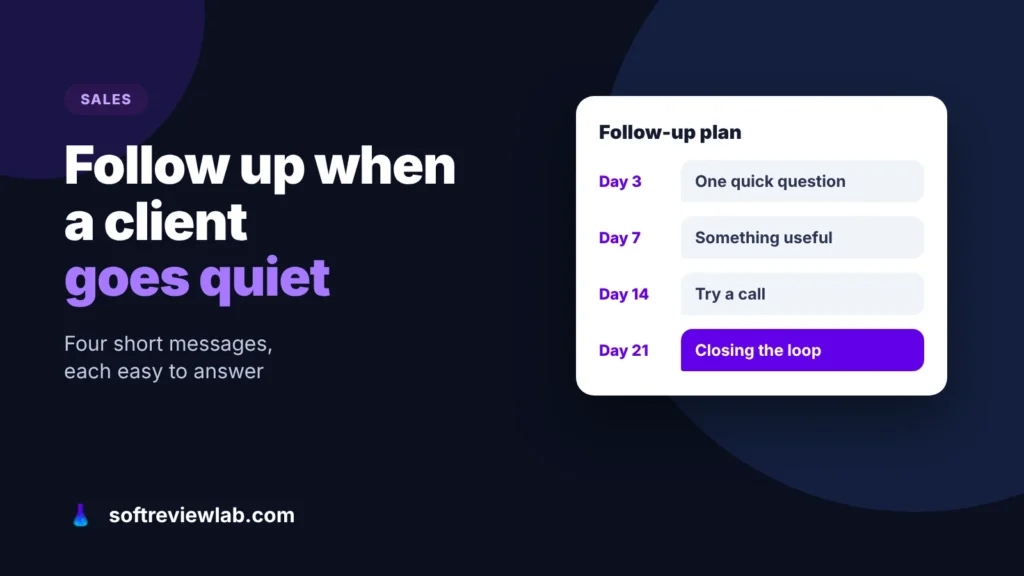
Short answer: knowing how to follow up with a client who is not responding is mostly about pacing: send three or four short follow-ups spaced further apart each time, for example after 3, 7, 14 and 21 working days. Make each one easy to answer: a single question, something useful, or a different channel such as a call. Finish with a polite “closing the loop” message that gives them an easy way to say no. Most deals that go quiet are lost to busy calendars, not to a firm no, so persistence works, as long as every message gives the client a reason to reply rather than just repeating “just checking in”.
The follow-up advice is my own; the monday CRM details come from monday.com’s own pages and my monday.com review, checked in October 2026. This article contains affiliate links; see our affiliate disclosure.
Silence feels like rejection, but it rarely is. In most cases one of these is happening:
Only the last one is a real no, and even that is worth knowing. A good follow-up is designed to find out which of these you are dealing with.
Before you send anything new, reread what you sent last. Many clients go quiet because the last message didn’t ask them to do anything.
If the answer is no, your first follow-up should fix that, not repeat it.
Space the messages out and change what each one does. The gaps below suit most service and B2B sales; shorten them for small, quick purchases. If you write the messages in advance, Gmail’s schedule send can hold each one until its date; just cancel the rest as soon as the client replies.
Write down every attempt and its date. Without a record, follow-ups either stop after one try or turn into six messages in two weeks.
Change the details so each message sounds like you, and keep them short enough to read on a phone.
The first nudge, after a proposal: “Hi Laura, I wanted to make sure the proposal reached you. Is the start date of 15 March still realistic on your side, or should we look at April?”
Adding value, after a week: “Hi Laura, you mentioned that keeping the old supplier’s data was a worry. Here is how we handled that for a similar client last year, in two paragraphs. Happy to talk it through if useful.”
After a meeting that went well: “Hi Omar, thanks again for Tuesday. You said you would check the budget with Sam. Would it help if I joined a 15-minute call with both of you to answer his questions?”
Closing the loop: “Hi Laura, I haven’t heard back, so I’ll assume the timing isn’t right and stop chasing. If things change, just reply to this email and I’ll pick it up from here. And if you went with someone else, a one-line reply would really help me.”
The closing message often gets the most replies, because it removes the pressure and gives a polite way out.
After the closing message, stop. Mark the deal as lost with a reason, even if the reason is “no reply”, and set a reminder to check in once more in three months with something new. People who went quiet because of timing often come back, but only if you are still in touch without being a nuisance.
If several deals go quiet at the same stage, look at that stage, not at the clients. A pattern of silence after the proposal usually means the price arrives as a surprise or the proposal is hard to say yes to.
With a handful of open deals, a calendar reminder for each follow-up is enough. Past that, things slip: you can’t remember who got the second message, a colleague follows up on a client you already called, and the closing message never goes out. The fix is a system that holds the dates and reminds the right person, and monday CRM is the one I tested for this job.
Before you pay for anything, a free tracker may be enough: my guide on how to track sales leads for free shows how to set one up with a next-step date for every lead.
monday CRM is monday.com’s tool for sales teams. Each deal is a row on a board, with columns for its owner, stage, value and next step, so you can see every open conversation and where it stands.
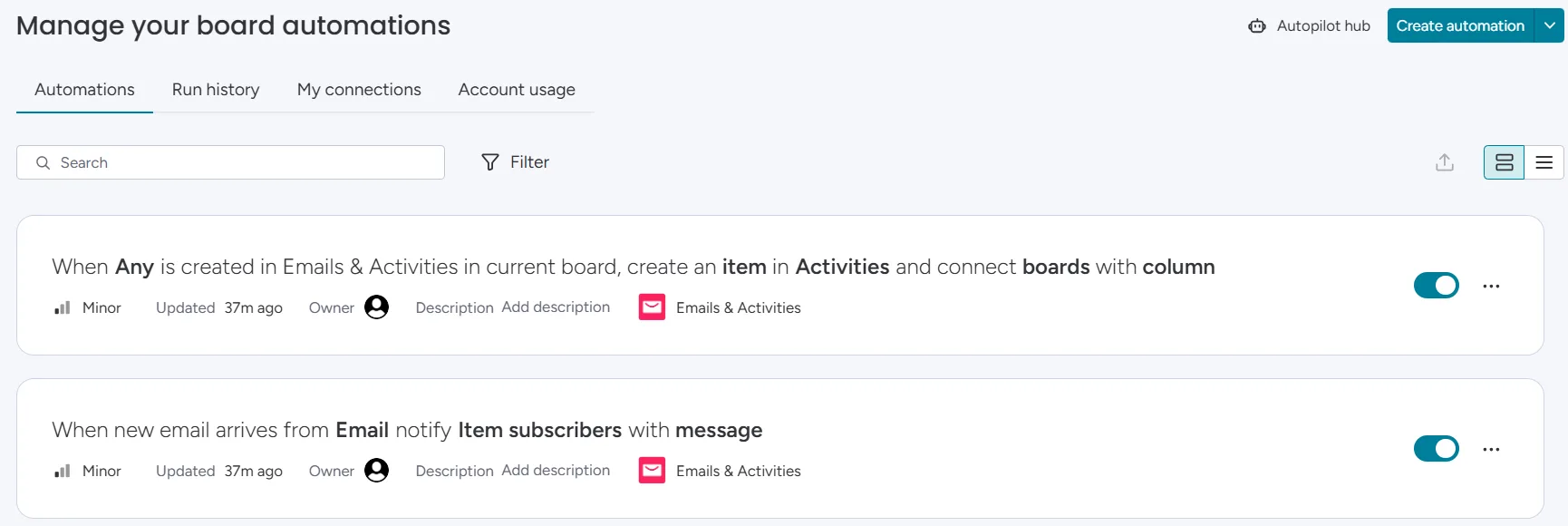
Automations can notify the owner when a deal’s follow-up date arrives and alert them when an item is overdue. With Gmail or Outlook connected, the emails you exchange with a client are logged against their deal, so anyone picking it up can see what was last said.
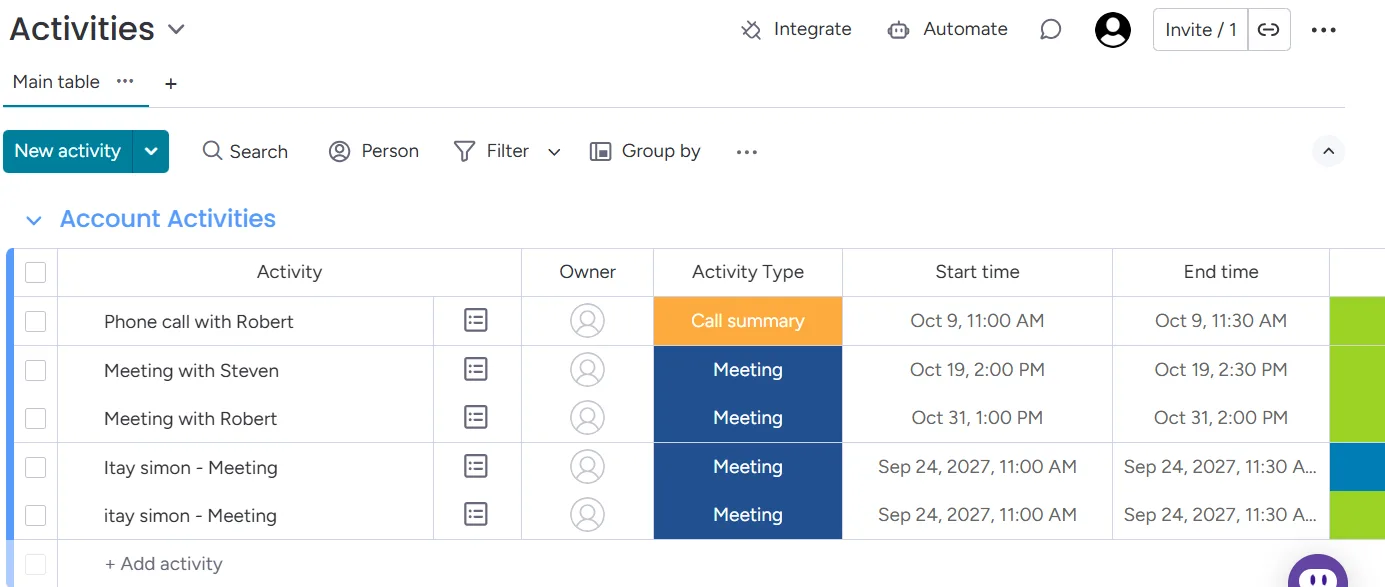
The client may go silent, but your follow-up no longer depends on someone remembering. Every quiet deal has a date and an owner, and the reminder arrives whether or not anyone opens the board that day. Before you pick a plan, look for custom automations on monday.com’s pricing page: it doesn’t list them on CRM Basic. In my own trial I built a status-change automation on the Deals board, the same kind of rule a follow-up reminder uses. Watch the monthly limit, though: Standard includes 250 automation actions a month, and a team of five that each gets three reminders a day uses 300 in 20 working days.
When it isn’t worth it: if you work alone with a few open deals, a calendar or a spreadsheet does the job for nothing, and monday CRM’s three-seat minimum means a team of one or two pays for seats it doesn’t use.
My monday.com review covers plans, limits and trade-offs. If it fits, you can try monday CRM free for 14 days with your own open deals.
If you try it, build the sequence above into the board rather than relying on memory. Run the trial on the plan you would actually buy, so the automations you set up are ones you keep.
On your deals board, add a date column for the next follow-up and a number column for how many times you have tried. Those two fields are the whole sequence in data form.
Create an automation that notifies the deal owner when the follow-up date arrives, and another that alerts them when it has passed without being updated. These replace the sticky notes and the morning scroll through your inbox.
Add a stage such as “Waiting for reply”, so quiet deals don’t hide among active ones. When the attempts column reaches four and the closing message has gone out, move the deal to Lost with a reason.
Connect Gmail or Outlook so every message to and from the client is logged on the deal. When they finally reply, whoever picks it up can see the whole conversation.
Filter the board for deals in “Waiting for reply” and go through them in a weekly sales meeting or on your own. If one stage keeps filling up, that is where your process needs work. My guide on how to stop losing leads as your team grows covers the rest of that process.
If you are comparing it with the best-known free option, my monday CRM vs HubSpot CRM comparison sets the two side by side.
Three or four follow-ups after your original message is a sensible limit for most B2B sales, spaced further apart each time and ending with a closing message. After that, stop and check in again in a few months with something new.
Two to three working days after a proposal or a meeting is enough for the first nudge. After that, leave about a week, then two, then three to four before the closing message.
Not if each message is short, polite and gives the client something: a question, useful information or an easy way to say no. What feels rude is the same “just checking in” email every few days.
Thank them, ask briefly what made the difference, and keep the door open. The reason they give is useful for your next proposal, and a gracious reply makes it easier for them to come back later.
Keep reading
ActiveCampaign’s published prices are billed yearly. Here is what each plan really costs by list size, how monthly billing and add-ons change the bill,…
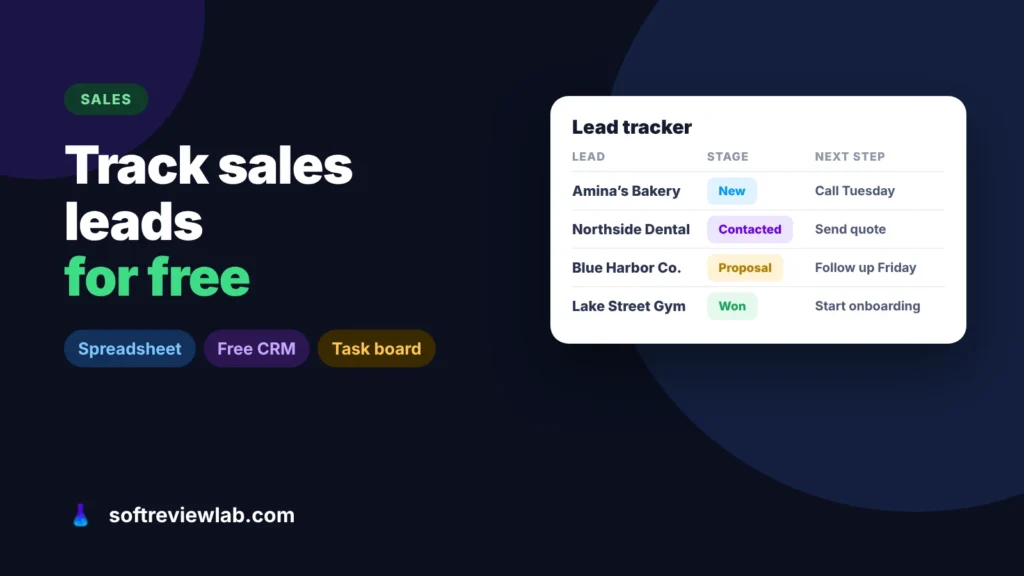
Leads get lost when they are spread across inboxes, phones and memory. Here is how to track sales leads for free in one list,…

Most happy customers never leave a review because nobody asks and nobody makes it easy. Here is how to get more Google reviews with…