

ActiveCampaign Pricing 2026: What Each Plan Really Costs
ActiveCampaign’s published prices are billed yearly. Here is what each plan really costs by list size, how monthly billing and add-ons change the bill,…
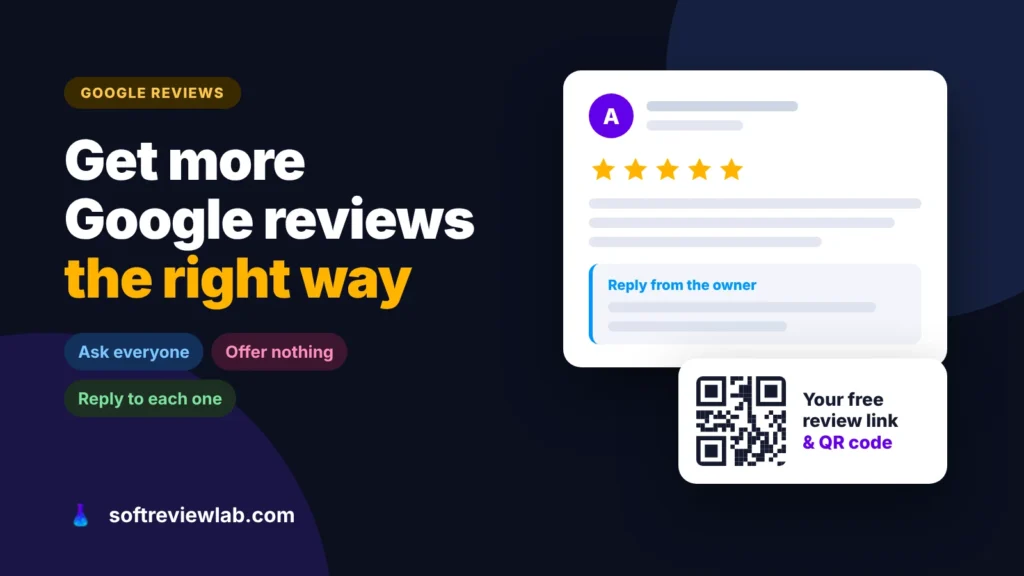
Most happy customers never leave a review because nobody asks and nobody makes it easy. Here is how to get more Google reviews with your free review link, what to say, and the rules that get reviews removed.

By Abdullahi Abdirahman, Founder & Editor, SoftReviewLab. Updated November 2026.
Short answer: the simplest answer to how to get more Google reviews: ask every customer, at the moment they are happiest, with a direct link that opens the review box. Google gives you that link and a QR code for free in your Business Profile, under Read reviews and Get more reviews. Put it in your receipts, thank-you emails, chat replies and on a printed card at the counter, and reply to the reviews you get. What you can’t do is offer anything in return, ask only the customers you expect to be happy, or let staff and family review you: Google removes those reviews and can restrict your profile.
The rules and steps below come from Google’s Business Profile Help pages and its Maps content policy, checked in October 2026, and the advice on how to ask is mine. This article contains no affiliate links.
Most satisfied customers never think of writing a review. They got what they paid for, they say thank you, and they move on. An unhappy customer has a reason to go looking for your listing; a happy one doesn’t.
The rest is friction. To review you, a customer has to find your listing, find the review button and be signed in to a Google account. Each step loses people, and by the evening the moment has passed. So the gap between the reviews you deserve and the reviews you have usually comes down to two things: nobody asked, and nobody made it easy.
It is worth closing that gap. Google says in its tips to improve local ranking that “more reviews and positive ratings can help your business’s local ranking”, so reviews affect whether you are found on Maps, not only what people think once they find you. If your business isn’t on Maps yet, start with how to add your business to Google Maps.
Before you ask anyone, know the rules, because the shortcuts are the ones that get reviews deleted and profiles restricted. Google’s Maps content policy is clear on these points:
In the US, the FTC’s rule on consumer reviews and testimonials has applied since October 21, 2024, and covers buying reviews on the condition that they are positive or negative and suppressing reviews with threats. I’m not a lawyer, and this is general information, not legal advice; the safe line in every country is the same: ask everyone, offer nothing, and let them say what they think.
Google builds the link for you. On a computer, because the QR code can’t be created on a phone, go to your Business Profile at business.google.com, select Read reviews, then Get more reviews. Copy the link, or right-click the QR code and save the image. The link opens the review box for your business directly, so the customer skips the search. The steps are in Google’s guide to creating a review link or QR code.
Timing matters more than wording. Ask at the moment the customer has just seen the result: when the repair works, the order arrives, the project is signed off, or they thank you. For a service business, that is usually the end of the job; for a shop, the day after delivery; for a consultant, the meeting where the client says the work helped. A request that arrives two weeks later reads like admin.
Don’t ask customers to go somewhere new. Google suggests adding the link to receipts and thank-you emails, using it at the end of a chat, and printing the QR code for your shop. Add it to the channels you already use with customers: the invoice email, the WhatsApp message that says the job is finished, the delivery confirmation, the email signature of whoever deals with clients. A printed QR code at the counter is fine; standing over a customer while they write a review is not.
It is tempting to send the link only to customers you know were pleased, or to ask “were you happy?” first and send the link only to those who say yes. That is the selective asking Google’s policy bans. Send the same request to every customer at the same point. You will get a few critical reviews, and a profile with a handful of honest complaints and good replies is more believable than one with only five-star ratings.
Customers need a Google account to leave a review, and some don’t have one or don’t know it. Google notes that they can create one with any email address, not only Gmail. If many of your customers aren’t Google users, say so in your request: one line such as “it takes a minute to sign in with any email address” removes the reason they would give up.
Replies are part of how you get the next review, because they show people that someone reads them. Once your business is verified, you can reply from Read reviews in your Business Profile, as Google’s guide to managing reviews explains. Google’s own tips for replies are good advice: keep them short, don’t paste the same thank-you under every review, don’t use them to advertise offers, and take complicated problems to phone or email. Google checks replies before posting them, which usually takes minutes but can take longer.
Short beats clever. Each of these says what you want, why it helps and how long it takes, with the link doing the rest. Replace the brackets with your own details.
In person, at the end of the job: “I’m glad it’s working. If you have a minute later, a Google review really helps a small business like ours. I’ll send you the link so you don’t have to look for us.”
By email, the day after delivery: “Hi [name], thank you for choosing [business]. If you have two minutes, we would be grateful for an honest review on Google: [link]. It helps other customers decide, and we read every one. If anything wasn’t right, reply to this email and I’ll sort it out.”
By WhatsApp or text, after a service: “Thanks again, [name]. If you’re happy to share your experience, here’s our Google review link: [link]. It takes about a minute.”
Notice what the last line of the email does. It invites a complaint privately, but it doesn’t replace the review request or send unhappy customers somewhere else, so it stays within Google’s rules.
You can’t delete a review someone has left, and you shouldn’t offer anything to have it changed. You have two options. If the review is genuine, reply calmly: thank the customer, acknowledge what went wrong, say what you have done or will do, and offer to continue by phone or email. Future customers read the reply as much as the review. My guide on how to respond to a negative Google review has example replies you can adapt.
If the review breaks Google’s policy, for example it comes from someone who was never a customer, from a competitor or from a former employee, or it contains abuse, flag it from your Business Profile and reply to it factually while you wait. Google’s policy also covers unusual bursts of reviews meant to manipulate a rating, which is one more reason to collect reviews steadily rather than in a single push.
Google doesn’t publish a target, and anyone who gives you one is guessing. What helps is a steady flow of recent, genuine reviews that describe what you actually do. A plumber with reviews that mention emergency call-outs in a named town gives the next searcher, and Google, more to go on than a pile of one-word ratings. Build the request into your normal routine and look at your profile once a month: if reviews have stopped coming in, check whether the request is still being sent.
No. Google’s policy treats any incentive, including discounts, free products and prize draws, as fake engagement, whether or not you ask for a positive review. Reviews collected that way can be removed.
No. Selectively asking satisfied customers is against Google’s policy. Send the same request to every customer at the same point in your process.
No. Google counts current and former employees, family members and business partners as a conflict of interest, and removes their reviews.
On a computer, open your Business Profile at business.google.com, select Read reviews, then Get more reviews. You can copy the link there or save the QR code.
Keep reading
ActiveCampaign’s published prices are billed yearly. Here is what each plan really costs by list size, how monthly billing and add-ons change the bill,…
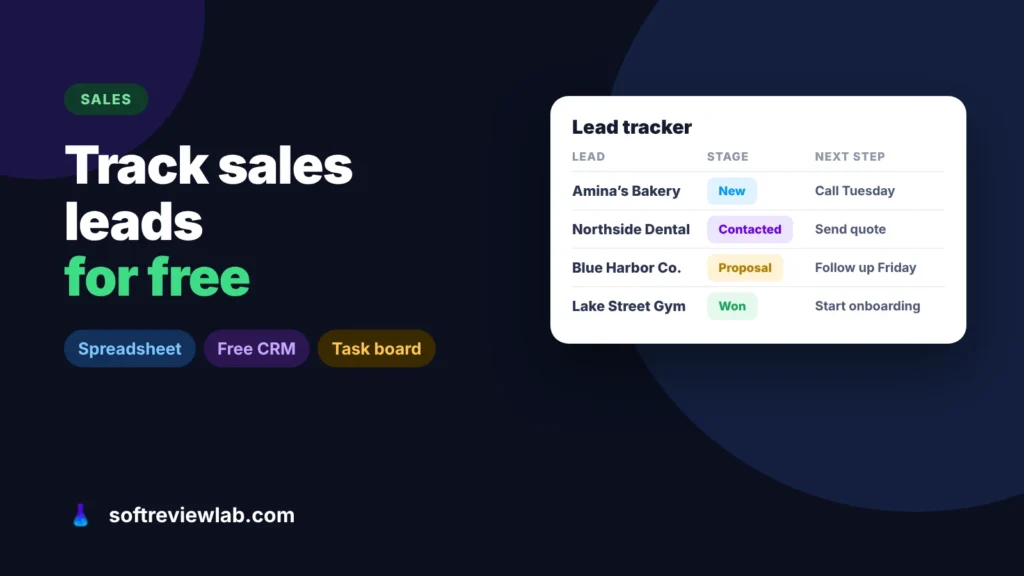
Leads get lost when they are spread across inboxes, phones and memory. Here is how to track sales leads for free in one list,…
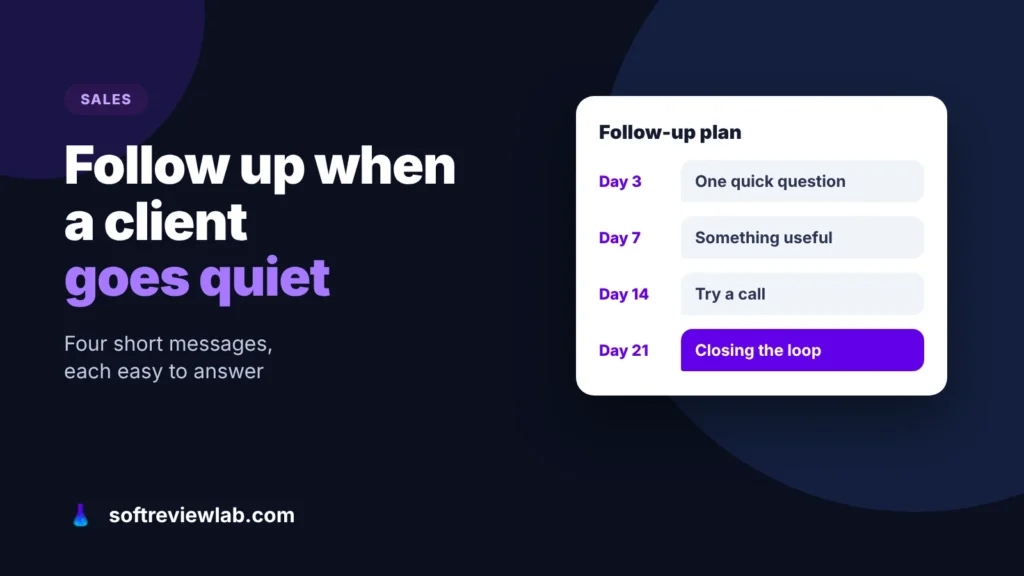
Most clients who go quiet are busy, not saying no. Here is a follow-up sequence that gets replies without annoying anyone, messages you can…