
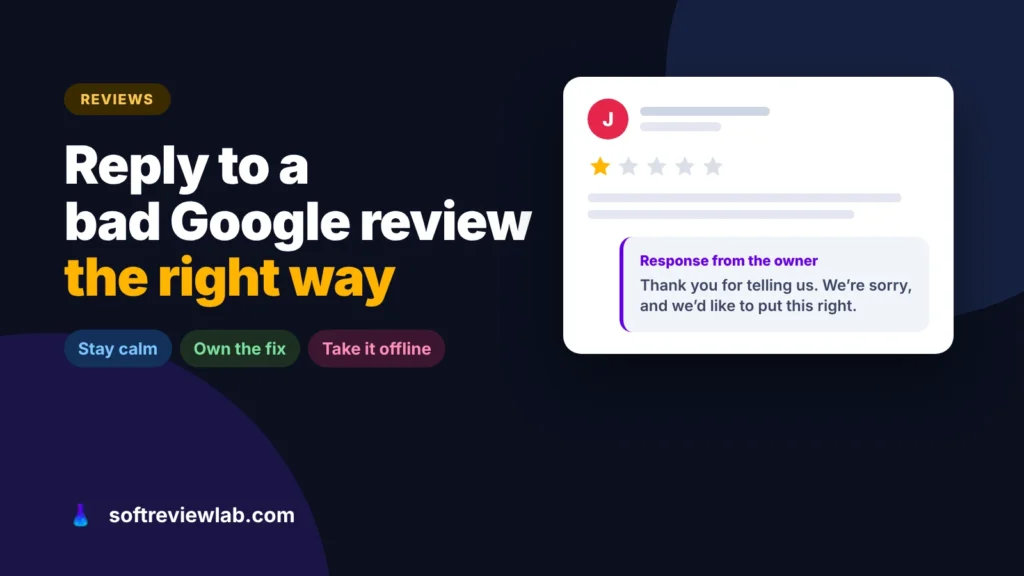
How to Respond to a Negative Google Review (With Examples)
A negative review is read by every customer who comes after it. Here is how to respond to a fair complaint, a review that…
A site missing from Google is either not indexed or not ranking, and each has a different fix. Here is how to tell which one you have, fix it with free Google tools, and when a plugin like Squirrly SEO helps.

By Abdullahi Abdirahman, Founder & Editor, SoftReviewLab. Updated October 2026.
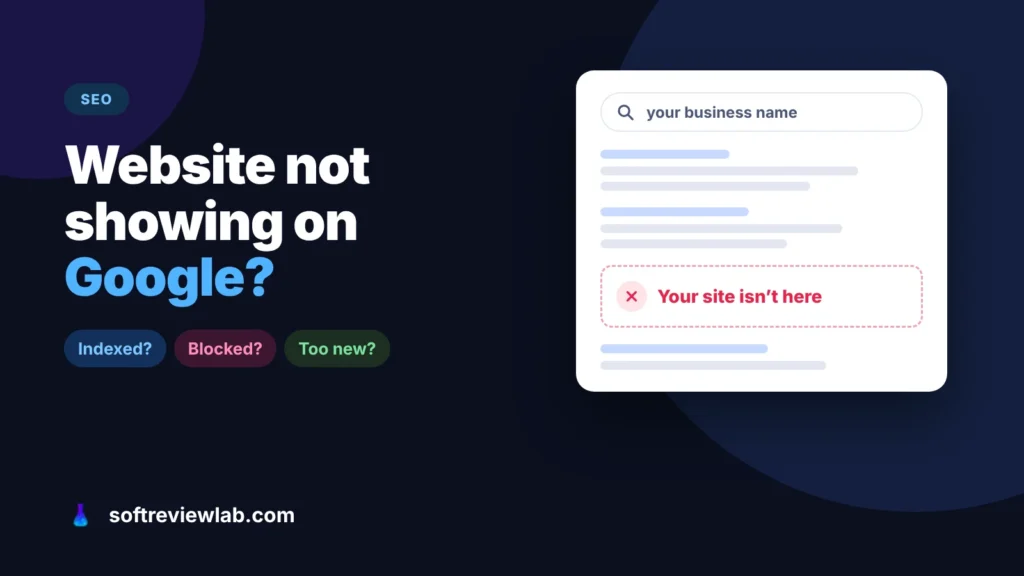
Short answer: the answer to “why is my website not showing up on Google?” starts with finding out which problem you have. Search Google for site:yourdomain.com. If nothing comes up, Google hasn’t indexed your site yet: it is either new, blocked by a setting that tells search engines to stay away, or hasn’t been found because nothing links to it. Add the site to Google Search Console, submit your sitemap and check the URL Inspection tool, which tells you exactly why a page is missing. If the site: search does show your pages but customers still can’t find you, the site is indexed but not ranking, which is a different job: clearer pages for each service, a Google Business Profile and time. Until you know which of the two problems you have, every fix is a guess, and the searches your site should win keep going to competitors.
The checks below come from Google’s Search Central and Search Console help pages, read in October 2026. The Squirrly SEO details come from my research-based Squirrly review; I haven’t run it on this site. This article contains affiliate links; see our affiliate disclosure.
“Not showing up on Google” means one of two very different things, and the fix for one does nothing for the other. One quick search tells you which you have.
Open Google and type site: followed by your domain, with no space, for example site:yourbusiness.com. Google’s own guide to getting on Google suggests this test, with the warning that it doesn’t always list every page.
Google finds most sites on its own, but not instantly. It says a new site, or changes to an existing one, can take a few weeks to be noticed. If you launched last week, nothing is broken yet. Use the waiting time to set up Search Console, as described below, so Google knows the site exists.
This is the most common cause on new WordPress sites, and the easiest to fix. Designers often hide a site while they build it and forget to switch the setting back.
A sitemap is a list of your pages that your SEO plugin creates for you. Submitting it in Search Console, through the Sitemaps report, tells Google which pages you want found instead of waiting for it to discover them.
Google discovers new sites mostly by following links from pages it already knows. A brand-new site with no links is easy to miss, especially a small one. Add your website to your Google Business Profile and social profiles, and ask suppliers, partners or local associations you work with to link to you. Don’t buy links: Google treats that as spam. Some done-for-you SEO services include paid links in their packages, so ask before you sign; my Gushwork review shows what that looks like in practice.
Search for your exact business name. If even that doesn’t bring up your site, Google doesn’t yet connect your name with your website. A complete Google Business Profile with your website on it is the fastest fix for a local business; my guide on how to add your business to Google Maps walks through it.
A home page that says “Welcome to our company” doesn’t rank for “emergency plumber in Leeds”. Give each service its own page, use the words your customers use in the title and first paragraph, and answer the questions they ask. Ten clear pages beat one page that lists everything.
A page with two sentences and a contact button gives Google little to rank, and a page that takes many seconds to load loses visitors before they read it. If speed is the issue, my guide on why a website is slow shows how to find the cause.
An established competitor with years of content, reviews and links will usually outrank a new site for the broad terms. Start with longer, specific searches you can win, such as a service plus your town, and build from there. It is slow, but it compounds.
Search Console is Google’s free tool for site owners, and it answers the question this article is about directly. Here is the order to use it in:
The steps above fix sites that are hidden or brand new. The harder case is a site that is indexed and still invisible, where the work is many small improvements to the pages that matter, and most owners don’t know which ones to make first. On a WordPress site, Squirrly SEO is the plugin I would use for that job.
Squirrly SEO is a WordPress plugin with a free plan. The heavier work, such as keyword research and site audits, runs in Squirrly’s cloud through a free account you connect during setup, and paid plans add more sites, pages and research each month.
You choose the pages that matter most, which Squirrly calls Focus Pages, and it checks each one against a long list of ranking factors. Every problem appears as a task with an explanation of what to do, and a Live Assistant checks your writing in the editor as you go. It also handles the technical basics, such as sitemaps and schema, and can submit new pages to search engines through IndexNow and the Google Indexing API.
It turns the vague job of “doing SEO” into a short list for the pages that bring in customers, which is what an owner without an SEO background usually lacks. The free plan covers one Focus Page, so you can test the approach on your most important page before paying anything. The approach has a track record: Squirrly’s WordPress.org page lists more than 30,000 active installations and a rating of 4.6 out of 5 from 682 ratings, and reviewers most often praise the step-by-step guidance.
Who should skip it: sites not built on WordPress, owners who want a plugin they set once and never open again, and anyone whose only problem is a blocked or new site, which the free steps above already solve.
My Squirrly SEO review covers its plans, limits and the conditions on its results guarantee. If it sounds like a fit, you can start with Squirrly SEO for free.
If you try it, start with one page and a month, not the whole site. This order matches the free plan’s limits.
Install the free plugin and connect a free Squirrly account. If you already use Rank Math or Yoast, keep only one plugin in charge of your meta tags and sitemap, because two plugins writing the same tags send mixed signals; Squirrly has a compatibility mode for this.
Pick the page that should bring you the most enquiries, not the home page, and add it as your Focus Page. That is the page worth getting right first.
Use the keyword research, which the free plan allows five times a month, to find a longer, specific phrase your customers search, such as a service plus a place. Squirrly itself advises long, specific phrases for small sites.
Work through the tasks it lists for that page one by one, and use the Live Assistant when you rewrite. Keep the text natural: a checklist can push you to repeat a keyword more than a reader would like.
After a few weeks, check the page in Search Console’s Performance report: are impressions and clicks for your chosen search rising? That, not a percentage in a plugin, is the result that matters. If they are, repeat the process for your next page.
Google says it can take a few weeks for a new site to be noticed. Adding the site to Search Console and submitting a sitemap helps Google find it, but there is no fixed time and no guarantee.
Not in the normal results. You can pay for ads, which appear marked as sponsored, but no one can pay Google to rank higher in the free results.
Because being indexed and ranking are different. Indexed means Google has stored the page; ranking means it chooses your page over others for a search. That depends on how well the page matches the search, its quality and how much Google trusts the site.
Keep reading
A negative review is read by every customer who comes after it. Here is how to respond to a fair complaint, a review that…
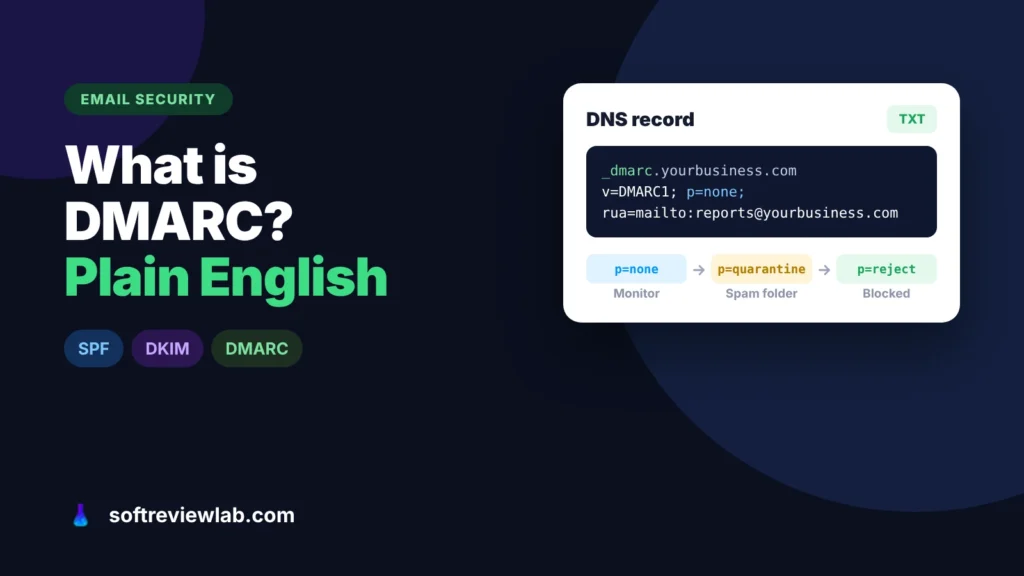
DMARC tells Gmail and Outlook what to do with email that pretends to come from your domain. Here is what it does, why small…
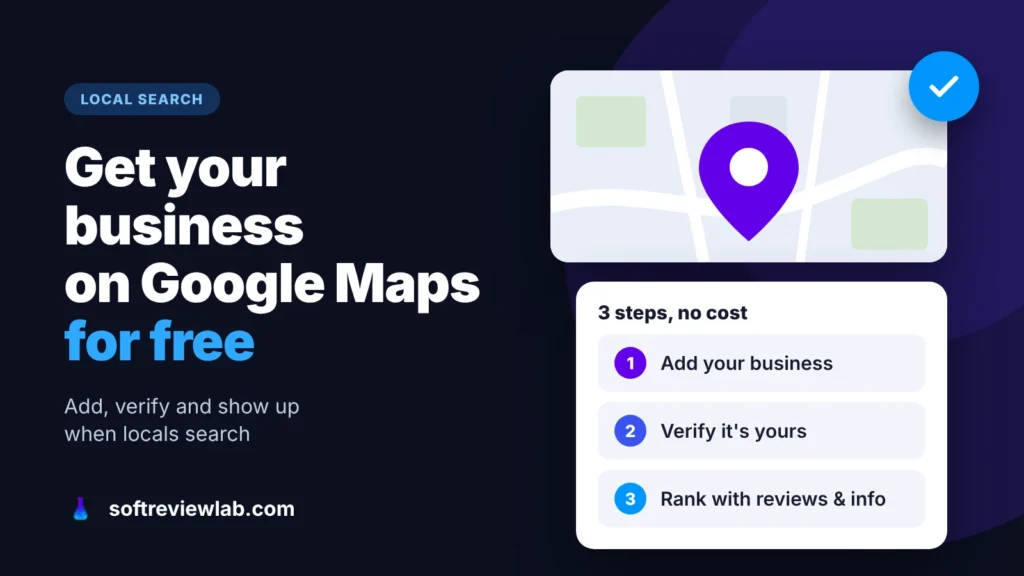
How to add your business to Google Maps for free, verify it, fix a listing that isn’t showing, and rank higher in local search,…