
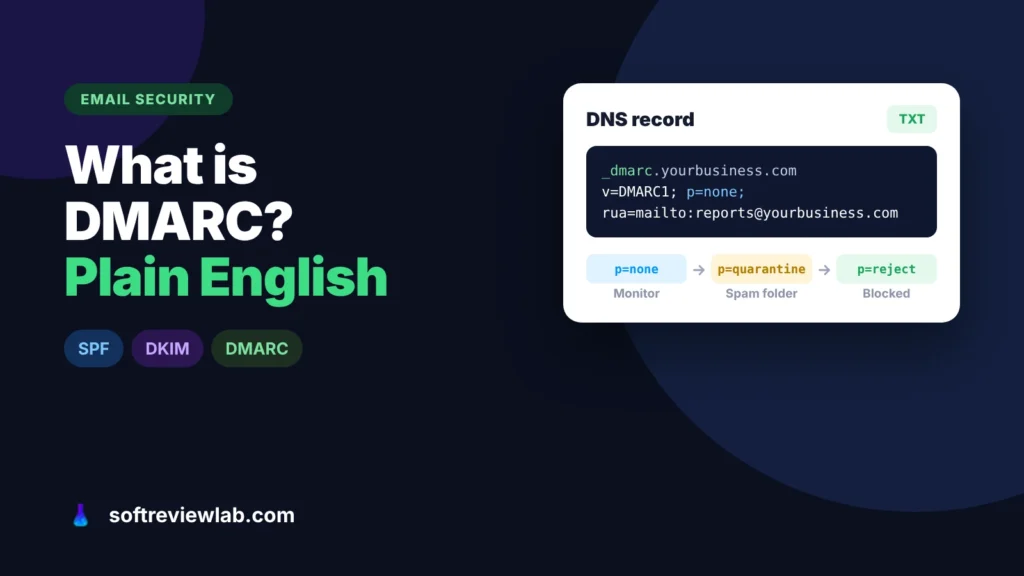
What Is DMARC? A Plain-English Guide for Small Business Owners
DMARC tells Gmail and Outlook what to do with email that pretends to come from your domain. Here is what it does, why small…
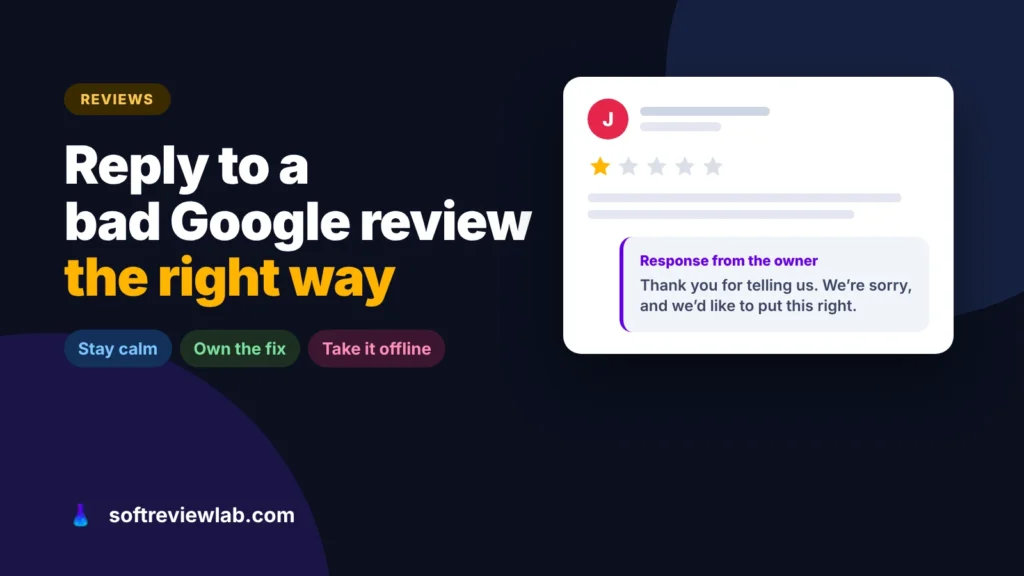
A negative review is read by every customer who comes after it. Here is how to respond to a fair complaint, a review that isn’t true, a fake review and an extortion attempt, with replies you can adapt.

By Abdullahi Abdirahman, Founder & Editor, SoftReviewLab. Updated November 2026.
Short answer: how to respond to a negative Google review comes down to a few habits. Reply within a day or two, publicly and calmly: thank the customer by name, acknowledge the specific problem, say what you have done or will do about it, and offer to continue by phone or email. Keep it short and never argue, share private details or offer anything in exchange for changing the review. If the review is not true, state the facts politely in your reply rather than accusing anyone. If it breaks Google’s rules, for example it comes from someone who was never a customer, report it from your Business Profile. And if a wave of one-star reviews arrives with a demand for money, don’t pay: Google has a separate form for extortion.
The reply and reporting steps come from Google Business Profile Help, read in October 2026. The Vista Social details come from its help center and my own trial of the tool, in which I didn’t test review management. This article contains affiliate links; see our affiliate disclosure.
A negative review feels like it is about you and one unhappy customer. It isn’t. The person who wrote it has usually made up their mind; the people who read it next are the ones you can still win. They are checking two things: whether the problem sounds like something that would happen to them, and how you behave when something goes wrong.
That is why a calm, specific reply often does more for your reputation than a page of five-star reviews. Google also notes in its tips for replying that helpful replies can help a business stand out. A defensive reply, or none at all, tells the next reader exactly what to expect if they complain.
The right response depends on what you are dealing with. Read the review twice and check your records before you write anything.
This is the most common case, and the easiest to turn around. Answer within a day or two, while the customer is still paying attention.
Keep the reply to a few sentences, and don’t reuse the same text under every review. Google’s own guidance on replies asks for exactly this: short, polite, specific and not promotional.
The temptation is to correct the customer line by line. Don’t. Readers can’t check who is right, and a long rebuttal looks like an argument. Instead, stay polite and state the facts once.
Thank them for the feedback, say briefly what your records show, for example that the order was delivered on the agreed date or that the quote listed the extra cost, and invite them to contact you to sort it out. Never share the customer’s private details, invoices or messages in public. If the review mixes a real problem with a wrong claim, acknowledge the real part first; it makes your correction more believable.
You can’t delete a review just because it is negative or unfair. Google removes only reviews that break its policies, such as spam, reviews from people with a conflict of interest, off-topic content or abuse. If that is the case, report it.
In your Business Profile, open Read reviews, choose Report next to the review, and pick the reason. You can follow the report in Google’s Reviews Management Tool, where the evaluation usually takes several days. If Google finds no violation, you get one appeal. While you wait, it is still worth posting a short, factual reply, for example that you have no record of the reviewer as a customer.
Negative review extortion is a known scam: a sudden burst of one-star reviews, then a message offering to remove them for payment. Google’s advice in its guide to review extortion is clear: don’t engage and don’t pay, because it encourages more attempts and doesn’t guarantee removal. Take screenshots of every demand with dates and contact details, note when the reviews started, and send everything through Google’s merchant extortion report form.
Use these as a starting point and change the details so each reply sounds like you, not a template.
A late delivery: “Hi Sarah, thank you for letting us know, and I’m sorry your order arrived four days late. That isn’t the service we aim for. We’ve changed the courier for your area, and I’ve emailed you about a refund of the delivery charge. If anything else needs sorting, call me directly on [number]. – James, owner”
A rude staff member: “Hi Daniel, thank you for telling us about your visit on Saturday. Being spoken to that way isn’t acceptable, and I’m sorry it happened. I’ve spoken with the team about it. I’d like to hear more and put it right: please email me at [email]. – Amina, manager”
A review that gets the facts wrong: “Hi Mark, thank you for your feedback. I’m sorry the final bill was a surprise. Our records show the extra materials were listed in the quote you approved on 3 May, but I understand it wasn’t clear enough, and we’re making that part of our quotes easier to read. I’d be glad to go through it with you: [number]. – Paul”
Someone who was never a customer: “Hello, thank you for your review. We can’t find any record of a visit or order under this name. If we’ve missed something, please contact us at [email] so we can look into it. – The [business] team”
For one location with a few reviews a month, replying from your Google Business Profile is enough. If you haven’t set that profile up yet, my guide to adding your business to Google Maps walks through it. It gets harder when reviews arrive on Google, Facebook and other sites at once, several people share the job, or you manage more than one location. Reviews get missed, replies vary in tone, and nobody knows which ones have been answered. That is the situation Vista Social is built for.
Vista Social is a social media management platform for businesses and agencies. Alongside publishing, a shared inbox and reports, it has a review management section that brings reviews from several sites into one place.
According to its help center, it monitors reviews on Google, Facebook, Trustpilot, Yelp, TripAdvisor and OpenTable. You can reply to Google and Facebook reviews from inside Vista Social; the other sites are view-only because of their own limits. Replies can be typed, dictated or drafted with AI, choosing the tone and goal of the reply.
A Not Responded tab shows every review still waiting, so nothing slips through, and the AI drafts can follow brand rules you set once. In my trial, those rules stopped its assistant from inventing claims I hadn’t made, which matters when a reply goes out under your business name. Replying to reviews is included from the Professional plan, the cheapest one, at $99 a month.
Who should skip it: a single location that gets a few reviews a month. Replying in your Google Business Profile costs nothing and does the same job. Vista Social makes sense when reviews are one part of a wider social media workload.
My Vista Social review covers its plans, the inbox and what I found in my trial. If it fits, you can try Vista Social free for 14 days without a card, and SoftReviewLab readers are invited to 10% off with the code Gn3TMZWy; check that the discount appears at checkout.
If you try it, set it up so it saves time on the reviews you already struggle to keep up with.
Connect your Google Business Profile and Facebook page first, since those are the ones you can reply to. Add Yelp, Trustpilot or TripAdvisor if customers review you there, so you at least see those reviews in one list. When you first connect a profile, only reviews from the last 30 days load, so older reviews still need answering in Google itself.
Before drafting any reply with AI, set the brand rules: the tone you use, what the business offers, and what a reply must never do, such as promise a refund or admit fault on legal matters without you. Those rules shape every draft.
Open Reviews, then Not Responded, and answer the oldest first. Use the AI draft as a starting point, then add the specific detail from the review and sign with a real name. Send only what you would be happy to see on your Google profile tomorrow.
If several people share the job, agree who handles complaints that need a refund or an investigation, and leave the routine thank-yous to whoever is on duty. One owner for difficult reviews keeps the tone consistent.
If you are weighing it against a simpler scheduler, my Vista Social vs SocialBee comparison sets the two side by side.
Yes, as long as the reply adds something: an apology, an explanation or a way to fix the problem. A short, calm reply shows future customers how you handle complaints, which is often worth more than the review itself costs you.
Only if it breaks Google’s policies, for example if it is spam, comes from a competitor or a former employee, or contains abuse. You can report it from your Business Profile and follow it in the Reviews Management Tool. A review that is negative but genuine stays.
You can fix the problem and let them know you have, and some customers update their review on their own. Don’t offer a refund, discount or gift in exchange for changing or removing it: Google treats that as fake engagement.
Within a day or two is a good target. Google’s advice is to respond promptly, and a quick reply shows the reviewer and every later reader that someone is paying attention.
Keep reading
DMARC tells Gmail and Outlook what to do with email that pretends to come from your domain. Here is what it does, why small…
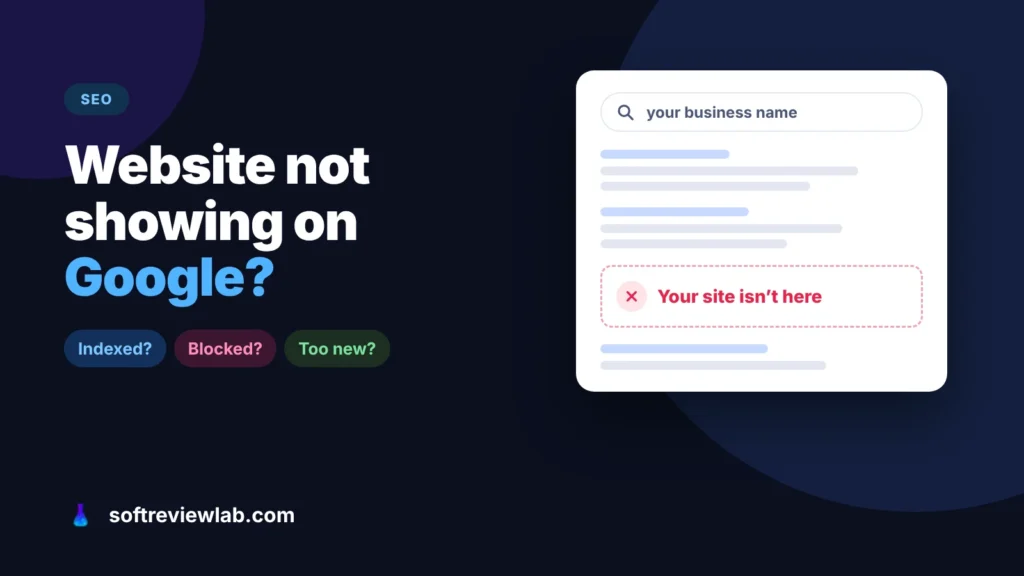
A site missing from Google is either not indexed or not ranking, and each has a different fix. Here is how to tell which…

How to add your business to Google Maps for free, verify it, fix a listing that isn’t showing, and rank higher in local search,…