
- Home
- Buyer’s guides
- How to Choose a CMS for a Business Website in 2026
How to Choose a CMS for a Business Website in 2026
How to choose a CMS for a business website: compare WordPress, Squarespace, Wix, Shopify and Webflow on cost, editing, exit options and fit, with 2026 prices.


By Abdullahi Abdirahman, Founder & Editor, SoftReviewLab. Updated October 2026. Prices were checked this month on each platform’s pricing page. This guide draws on platform documentation, W3Techs usage data and our own reviews.
Short answer: for most small businesses, how to choose a CMS comes down to four questions: who will update the site, what it must do in three years, what it costs per year after the first, and how easily you can leave. If you want low running costs, full control and room to grow, WordPress on good hosting is the safest default. If you want the simplest setup and are happy to pay more for it, an all-in-one builder such as Squarespace or Wix fits. If selling products is the main job, start with Shopify. If your team is design-led and wants pixel-level control, look at Webflow.
Table of Contents
What a CMS Is, in Plain Terms
A content management system, or CMS, is the software you use to edit your website without writing code: adding pages, changing text, uploading images, publishing blog posts or listing products. Some, like WordPress, are software you install on hosting you choose. Others, like Squarespace, Wix, Shopify and Webflow, are hosted platforms where the software, hosting and security come in one subscription.
WordPress is the most widely used by far. According to W3Techs, it runs 40.1% of all websites and 58.6% of the sites that use a CMS it tracks, ahead of Shopify (7.8%), Wix (6.1%) and Squarespace (3.6%), as of October 2026. That matters less for popularity than for what comes with it: more themes, plugins, tutorials and developers to choose from.
Why the Wrong CMS Costs More Than the Subscription
Switching CMS later usually means rebuilding the site, not moving it. A small business that outgrows its platform pays twice: once for the first site and again for the rebuild, often with lost search rankings in between. The other costs are quieter: features you can’t add, prices that rise with every plan upgrade, and content you can’t easily take with you. Five minutes of planning now is cheaper than a rebuild in two years.
Step 1: Decide Who Will Update the Site
This is the question most people skip. If you will change prices, add news or post blog articles yourself every week, choose the editor you find easiest, and try it before you commit. If a freelancer or agency will do most of the work, choose the platform they know well. A good editor that nobody on your team can use is worse than a simple one they use every week.
Step 2: List What the Site Must Do in Three Years
- A brochure site with a few pages and a contact form: any CMS will do it.
- Regular content such as a blog, guides or news: WordPress is built for this, and the hosted builders handle it well at small scale.
- An online shop: Shopify is built for selling, while WordPress with WooCommerce gives more control at lower platform cost.
- Bookings, memberships or courses: check that the CMS does it natively or through a well-supported add-on, and what that add-on costs.
- Several languages or locations: check this before anything else, because it is hard to add later.
Choose for where you expect the business to be, not just for launch day.
Step 3: Compare the Real Yearly Cost
Compare what each option costs per year after the first, including the plan you will actually need. Prices below are the lowest website plans on each platform’s pricing page in October 2026. My guide on how much a business website costs to run per year adds domains, email and payment fees with worked examples.
| CMS | Starting price | What you also pay for | Who maintains it |
|---|---|---|---|
| WordPress | Free software, plus hosting: Hostinger renews at $10.99 to $16.99 a month | Hosting, domain, any paid themes or plugins | You or your host |
| Squarespace | $19 a month billed yearly ($25 monthly) | Higher plans for selling and lower card fees | Squarespace |
| Wix | Free plan with Wix branding; paid plans vary by region | A paid plan to use your own domain | Wix |
| Shopify | $29 a month billed yearly ($39 monthly), card rates from 2.9% + 30¢ | Paid apps and themes, payment fees | Shopify |
| Webflow | $15 a month billed yearly for simple sites; $25 for sites that need its CMS | Higher plans for traffic and teams | Webflow |
The cheapest monthly figure is rarely the cheapest option. A hosted builder includes hosting and maintenance in its price, so compare it with WordPress plus hosting at renewal, not with WordPress alone.
Sponsored

Step 4: Check How Easily You Can Leave
Every platform makes it easy to join. Fewer make it easy to leave. With WordPress, you own the files and the database and can move them to any host, as described in the official WordPress backup guide and in my guide on moving a website to a new host. Hosted builders limit what you can export, and some content, designs and settings stay behind. Before you commit, open the platform’s export options and see what would come with you.
Step 5: Look at Speed and Search Basics
Any of the major platforms can rank well in Google. What decides it is your content, how fast the pages load and whether you can control titles, descriptions and page addresses. Test a demo or trial site with PageSpeed Insights before you commit. On WordPress, speed depends heavily on your host and theme, which I cover in why a website is slow and how to fix it. On WordPress, control over titles and descriptions comes from an SEO plugin; my Squirrly SEO review covers one that also tells you what to fix next.
Step 6: Decide Who Handles Security and Updates
Hosted builders take care of security, software updates and backups for you. With WordPress, that work falls to you or your host: updating WordPress, the theme and plugins, and keeping backups. Good hosting makes this much lighter, with automatic backups, malware scanning and one-click updates, but it is still your responsibility to check. If nobody on your team wants that job, a hosted builder is worth its higher price.
Step 7: Test Before You Commit
Build two or three real pages on your shortlisted platform during a free plan or trial: your homepage, a service or product page and a contact page. Ask the person who will update the site to make a change on their own. If it takes them more than a few minutes, keep looking.
Which CMS Fits Which Business?
| If your business needs | Start with | Why |
|---|---|---|
| Low running cost, full control and a blog | WordPress on good hosting | Lowest yearly cost and the biggest choice of themes, plugins and help |
| The simplest setup, no maintenance | Squarespace or Wix | Hosting, security and updates are included |
| An online shop as the main business | Shopify | Built for selling, with payments, stock and shipping in one place |
| A design-led site built by a designer | Webflow | Detailed visual control without writing code |
| A fast start with AI help on a small budget | A hosting company’s own builder | Some hosts, including Hostinger, sell an AI website builder at the same price as their hosting plans |
WordPress Hosting: What to Look For
If WordPress is your choice, the host decides much of your speed, security and running cost. Look for a server-level cache, free SSL, automatic daily backups, a current PHP version, a CDN on the plan you choose, and a renewal price you can live with. SoftReviewLab runs on Hostinger, which I have used since 2023, and my Hostinger review covers its plans, renewal prices and the refund I tested. This guide contains no referral links.
Questions to Ask Before You Choose a CMS
- Who will update the site, and have they tried the editor?
- What must the site do in three years, not just at launch?
- What will it cost per year from year 2, on the plan I will really need?
- Can I export my content if I leave?
- Who handles updates, security and backups?
- Can I control page titles, descriptions and addresses for search?
- Does it support the features I need natively, or only through paid add-ons?
Frequently Asked Questions
What is the best CMS for a small business website?
There isn’t one best CMS for every business. WordPress on good hosting is the best default for low cost and control, Squarespace or Wix for the simplest setup, Shopify for online stores and Webflow for design-led sites.
Is WordPress free?
The WordPress software is free and open source. You pay for hosting, a domain and any premium themes or plugins you choose.
Is a website builder better than WordPress?
It is simpler, not better. A builder includes hosting, security and updates in one price, while WordPress costs less to run and gives you more control and easier export. For one concrete example, our comparison of Hostinger Website Builder vs WordPress sets both options side by side on the same host.
Which CMS is best for SEO?
All major platforms can rank well. What matters more is useful content, fast pages and control over titles, descriptions and URLs, which WordPress, Squarespace, Wix, Shopify and Webflow all provide.
Can I switch CMS later?
Yes, but it usually means rebuilding the site rather than moving it, especially from a hosted builder. That is why it pays to choose for where your business will be in three years.
References
- W3Techs: usage statistics of content management systems (October 2026)
- WordPress.org
- WordPress Advanced Administration: backups
- Squarespace, Wix, Shopify and Webflow pricing pages (October 2026), named without links under our editorial policy
- How SoftReviewLab researches and writes its guides
Prices move. Confirm the current price on the vendor’s own page before you buy. How we work.
Keep going
More buyer’s guides

AI Customer Support Chatbots: A Buyer’s Guide for Small Businesses
AI customer support chatbots explained for small businesses: 9 checks before you buy, real 2026 prices from 8 vendors, legal risks and a 14-day trial plan.
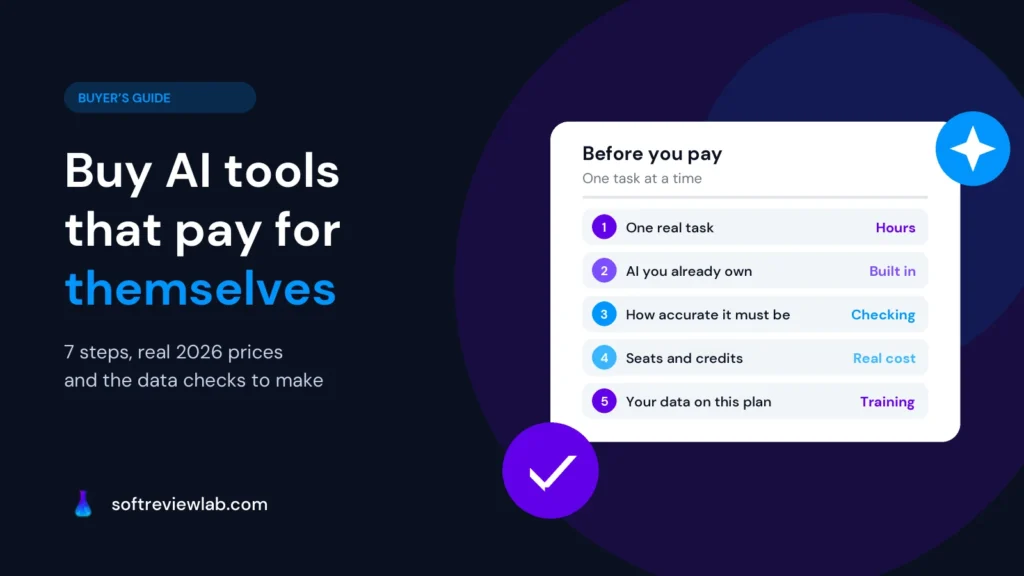
How to Choose AI Tools for a Small Business Without Wasting Money
How to choose AI tools for a small business in 2026: 7 practical steps, real prices from 4 vendors, data privacy checks and a one-week trial plan.